GameHydra
A downloadable tool for Windows
GameHydra keeps your Steam drive clear — without ever touching your library.
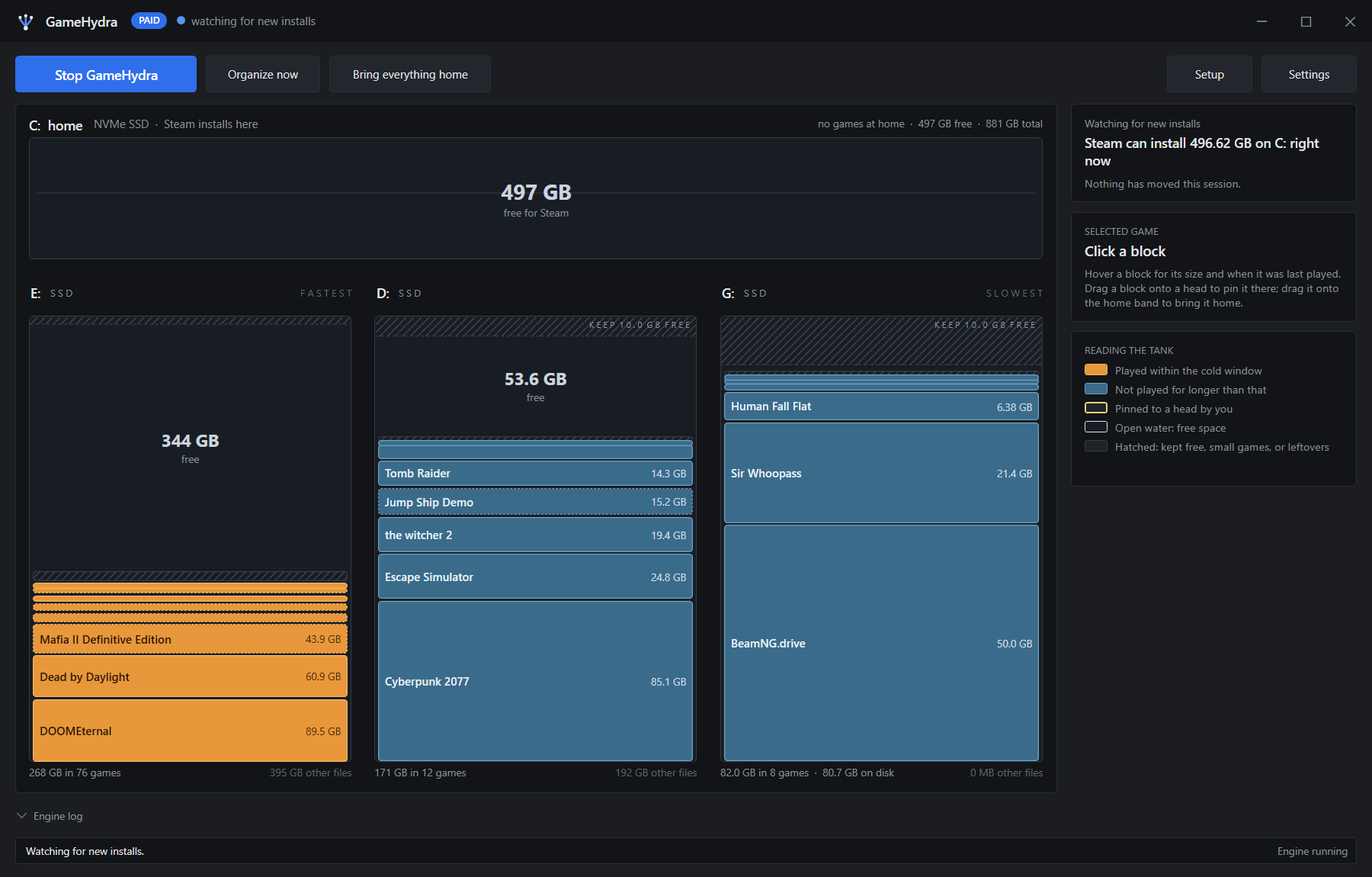
Every new game eventually forces the same choice: uninstall something you love, or stop buying. GameHydra ends that. It moves whole game installs off your fastest drive onto your other drives automatically, and Steam never notices — the game still shows installed, still launches instantly, still updates normally. GameHydra just made room.
How it works:
- Games you're actively playing stay closest to home; anything you haven't touched in a while quietly drifts to your other drives.
- It's a real move, not a shortcut trick — the full game folder relocates, and a junction takes its place, so Steam and the game itself never know the difference.
- New installs are caught and stored automatically as soon as they finish downloading.
- Everything also works by hand: Organize now re-sorts on demand, Bring everything home puts every game back exactly where Steam originally installed it.
Runs quietly in the background:
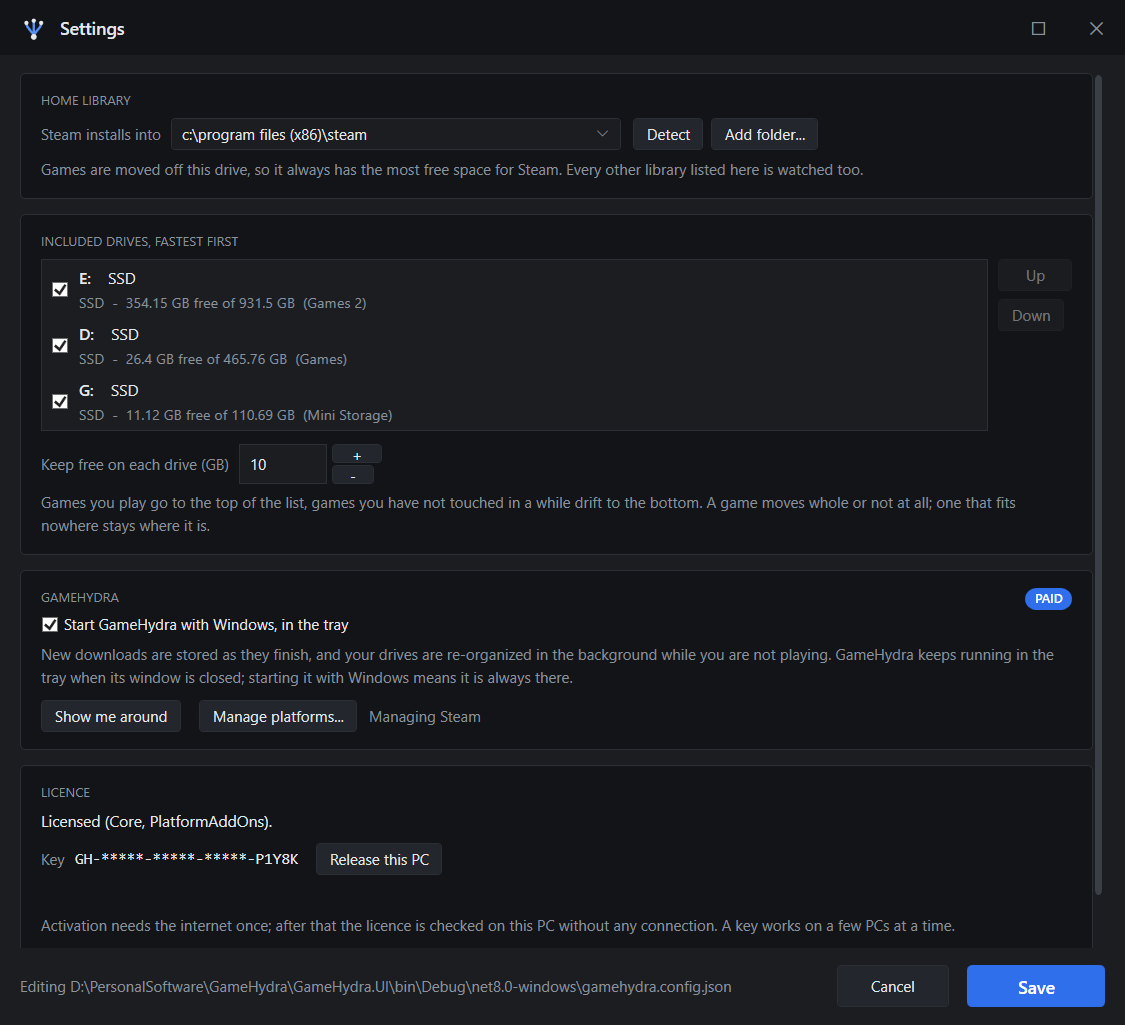
Lives in the tray, can start with Windows, watches for new installs and reorganizes drives while you're not playing. No dialogs, no interruptions.
Where it stands today:
GameHydra manages Steam libraries today. Support for Epic, Ubisoft Connect, EA App, GOG Galaxy and the Xbox PC app is on the roadmap.
Licensing:
The free tier sorts one drive at a time, on demand. A GameHydra key unlocks the full app — automatic background sorting, multi-drive support, and cold-storage compression for games you rarely play — and activates on a few machines, working fully offline after that.
Purchase
In order to download this tool you must purchase it at or above the minimum price of $29 USD. You will get access to the following files:
Leave a comment
Log in with itch.io to leave a comment.